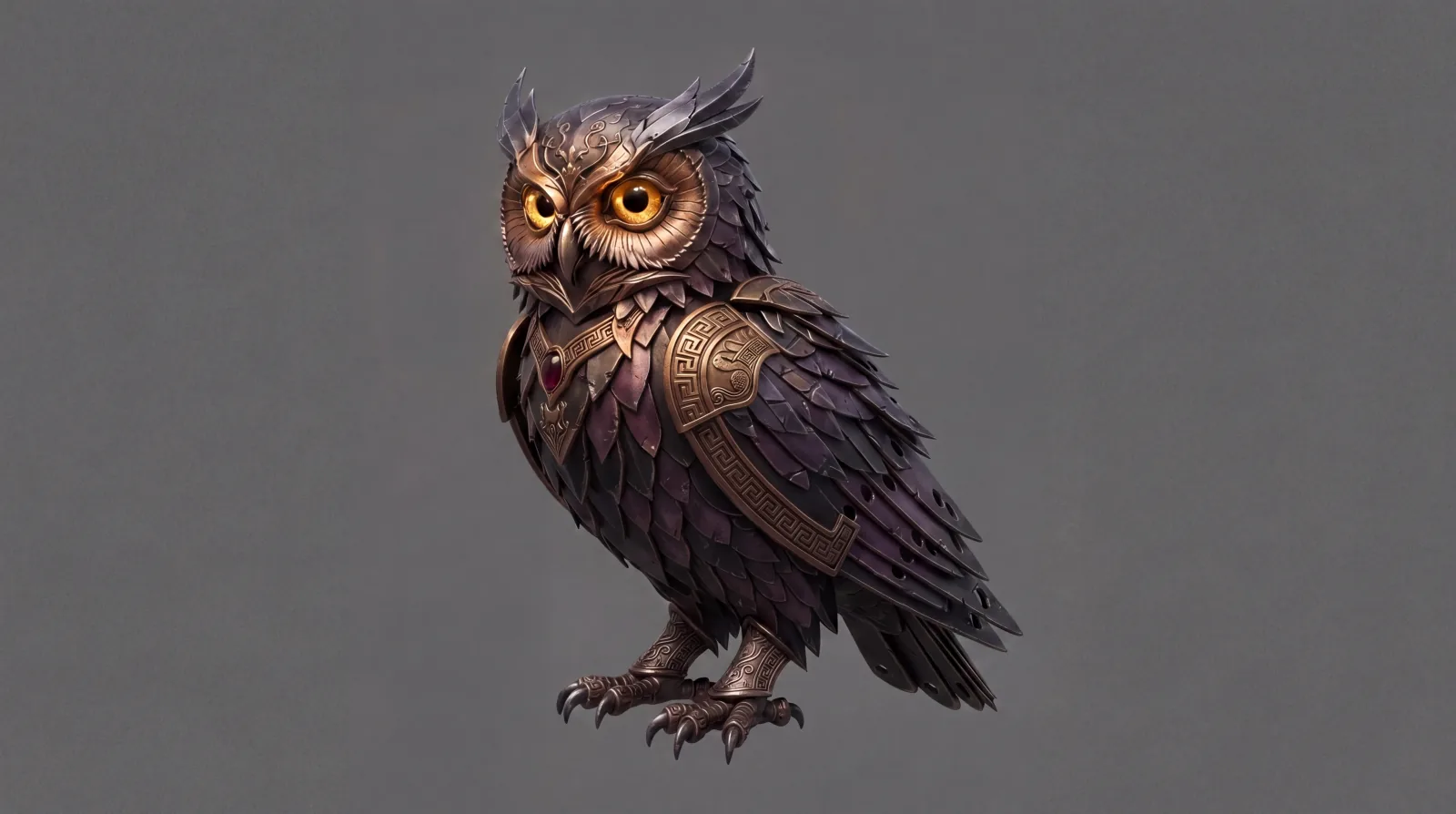
2D concept art to 3D game asset
Atlas takes a single 2D concept image, builds a consistent 4-angle turnaround, and reconstructs it into a watertight, textured 3D mesh — retopologized to a game-ready poly count, with PBR maps baked in and GLB export.
Five stages, one image to mesh
Turnaround generation
Atlas generates a consistent 4-angle orthographic turnaround (front, right, back, left) from your source image, keeping the subject on a neutral background.
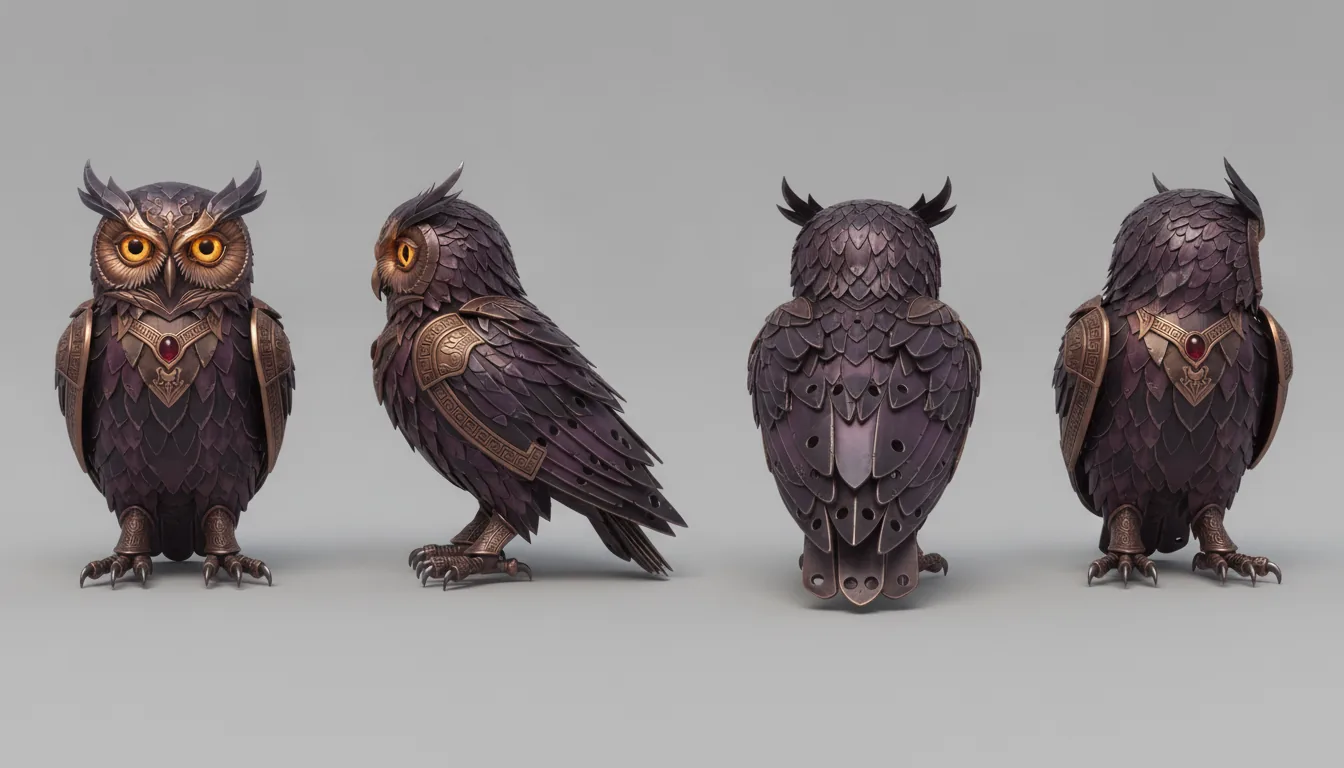
View extraction
The turnaround sheet is automatically segmented into the four individual angle images.
Multi-view 3D reconstruction
The four angles feed a multi-view reconstruction engine that builds a detailed, watertight high-poly mesh with PBR textures.
Retopology
The high-poly mesh is retopologized and decimated to a clean, game-ready polygon count with proper UV mapping.
Texture bake & normalize
Surface detail bakes down from high-poly to low-poly as base color, roughness, metallic and normal maps; scale, origin and front axis are set automatically.
Where the time goes
| Stage | Manual | Atlas |
|---|---|---|
| Turnaround sheet & view extraction | 1–2 days | 10–25 seconds |
| Multi-view 3D reconstruction | 6–12 hours | 30–60 seconds |
| Remeshing & UV unwrapping | 2–4 hours | 15–30 seconds |
| Texture & normal baking | 2–8 hours | 10–20 seconds |
| Total time, image to mesh | 3–5 days | 1–3 minutes |
Common questions
What does this workflow output?
How long does it take?
Can I control the art style?
Which engines are supported?
The stages in depth
Related workflows
Try this workflow in Atlas
Free to start. No credit card required.
Try it on Atlas