AI PBR material generator
Atlas turns a reference image and a text brief into a complete, tileable PBR material — base color, normal, roughness, metalness and height maps — with a built-in seam check.
Four stages, brief to material set
01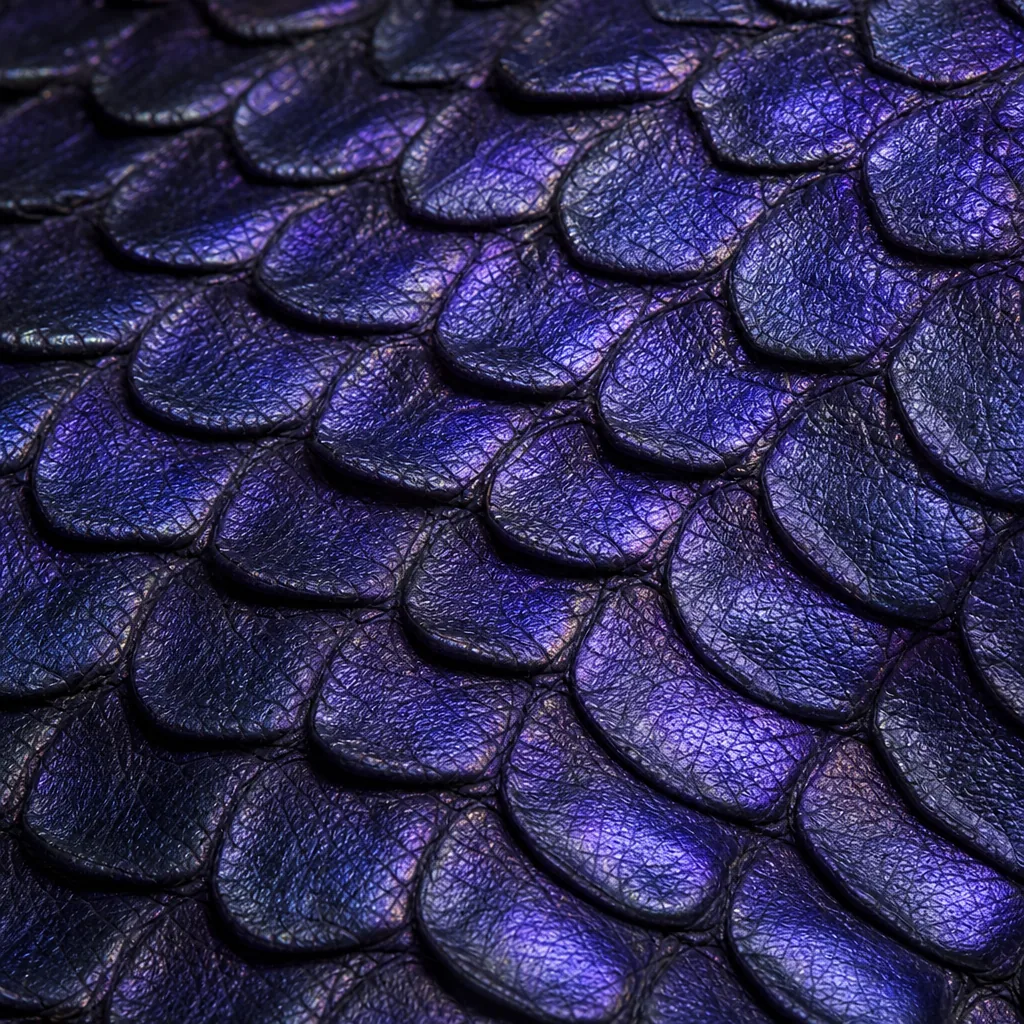
Structure read
Atlas reads your reference image for surface structure — pattern, scale, finish — separately from lighting and camera angle, which get discarded.
02
Brief fusion
Your text brief and the image analysis combine, with your text setting the theme, palette and style, and the image setting geometry and detail.
03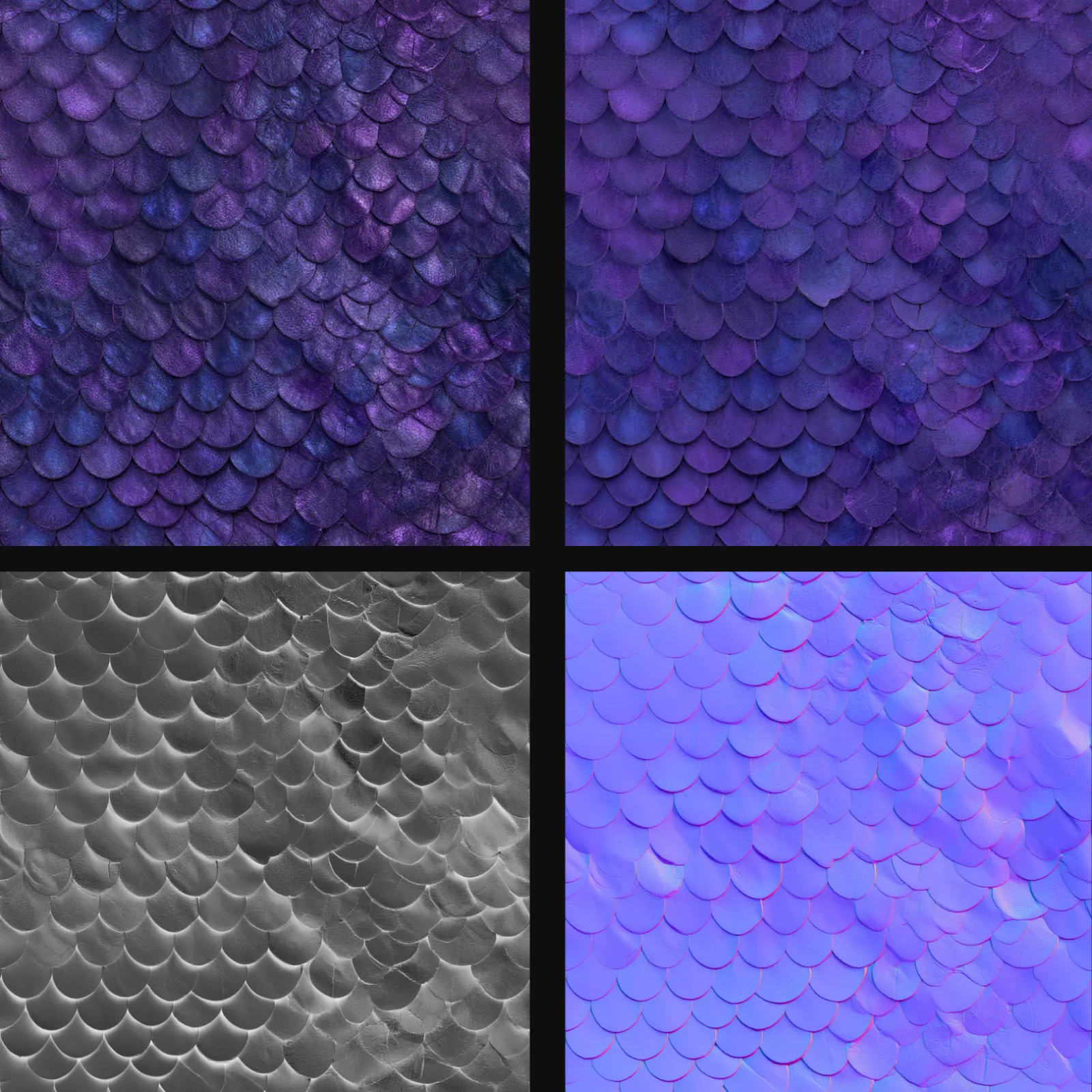
Material generation
Atlas’s in-house texturing pipeline generates a seamless, tileable material at your chosen resolution.
04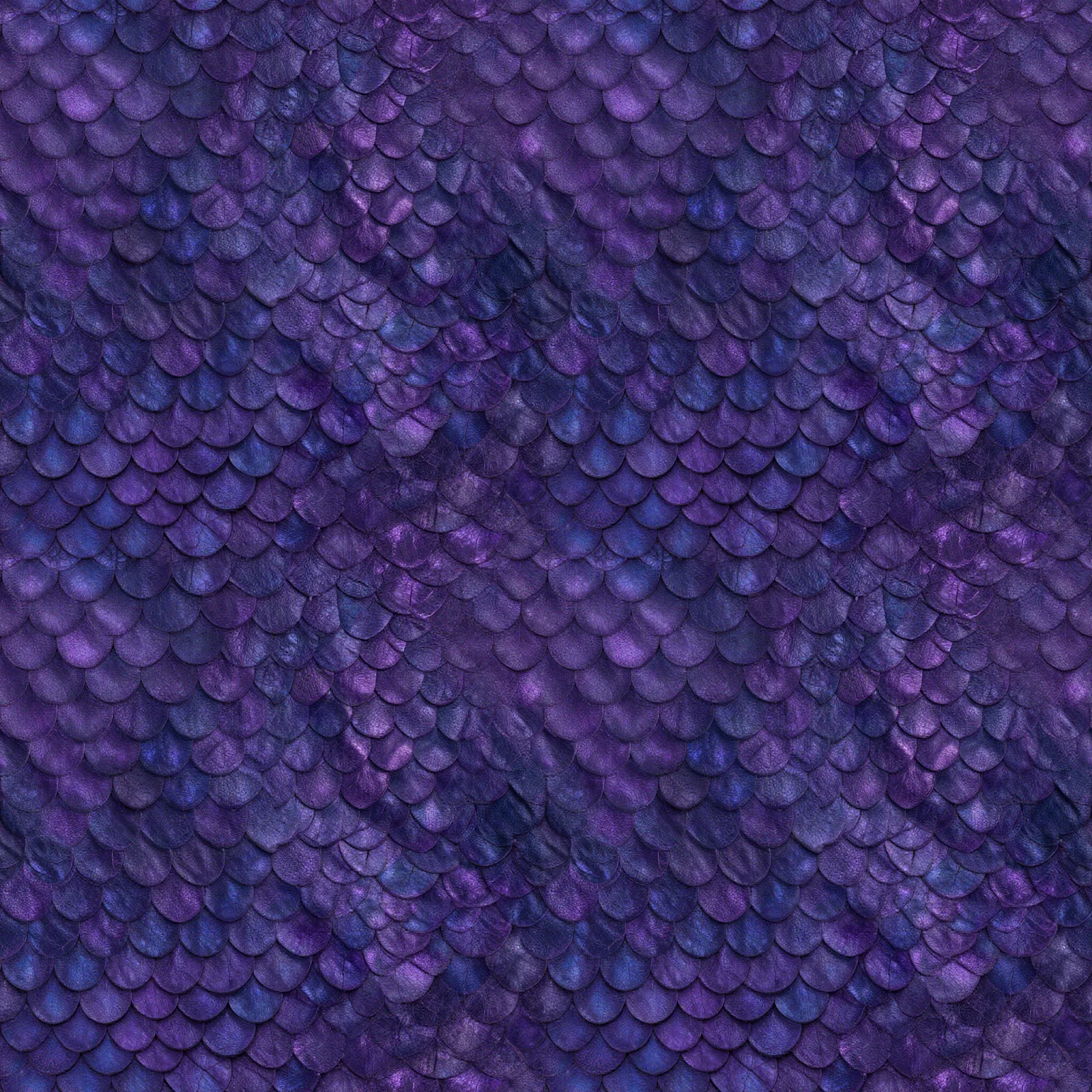
Tiling check
A 2×2 preview grid stitches the material into a repeat pattern so you can check the seams before you use it.
Where the time goes
| Stage | Manual | Atlas |
|---|---|---|
| Reference read & brief | 30–60 minutes | 4–8 seconds |
| PBR map authoring | 2–8 hours | 20–35 seconds |
| Tiling & seam verification | 30–60 minutes | 1–2 seconds |
| Total time, brief to material set | 3–10 hours | 25–45 seconds |
Common questions
What does this workflow output?
A full PBR set — base color, normal, roughness, metalness and height maps — plus a combined preview and a 2×2 tiling check image.
How long does it take?
About 25 to 45 seconds: 2–4 seconds to read the reference image, 2–4 seconds for the brief, 20–35 seconds to generate the material itself, and 1–2 seconds to stitch the tiling check grid.
Can I control the art style?
Yes, extensively — describe any theme or mood in text, or supply a reference image to carry over real-world grain, weave or wear. Tiling direction, tile size and resolution are all adjustable.
Which engines are supported?
Standard PBR maps — drop straight into Unity, UE5, Godot, or any engine that reads a base-color / normal / roughness / metalness set.
Related workflows
Try this workflow in Atlas
Free to start. No credit card required.
Try it on Atlas