AI assets for UEFN (Fortnite Creative)
Atlas expands a theme phrase into a full point-of-interest kit — concept art, isolated landmark meshes, multi-tier LODs, and UEFN grid-aligned export, all from one line of text.
Four stages, theme to export-ready kit
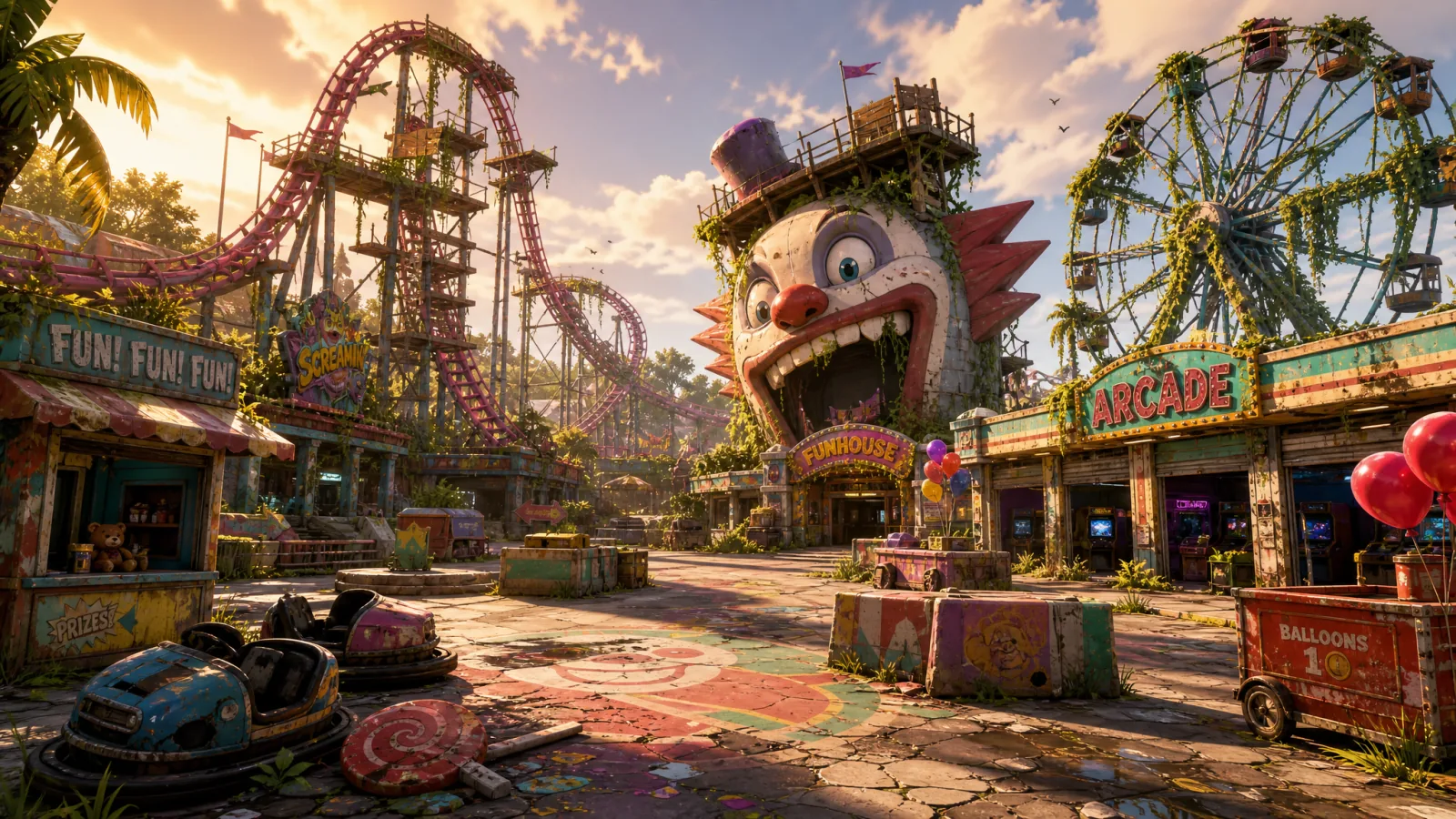
Theme to concept
An LLM expands your theme phrase into a full environment concept prompt — grid compatibility, sightlines, and silhouettes included — then renders one wide master concept image.
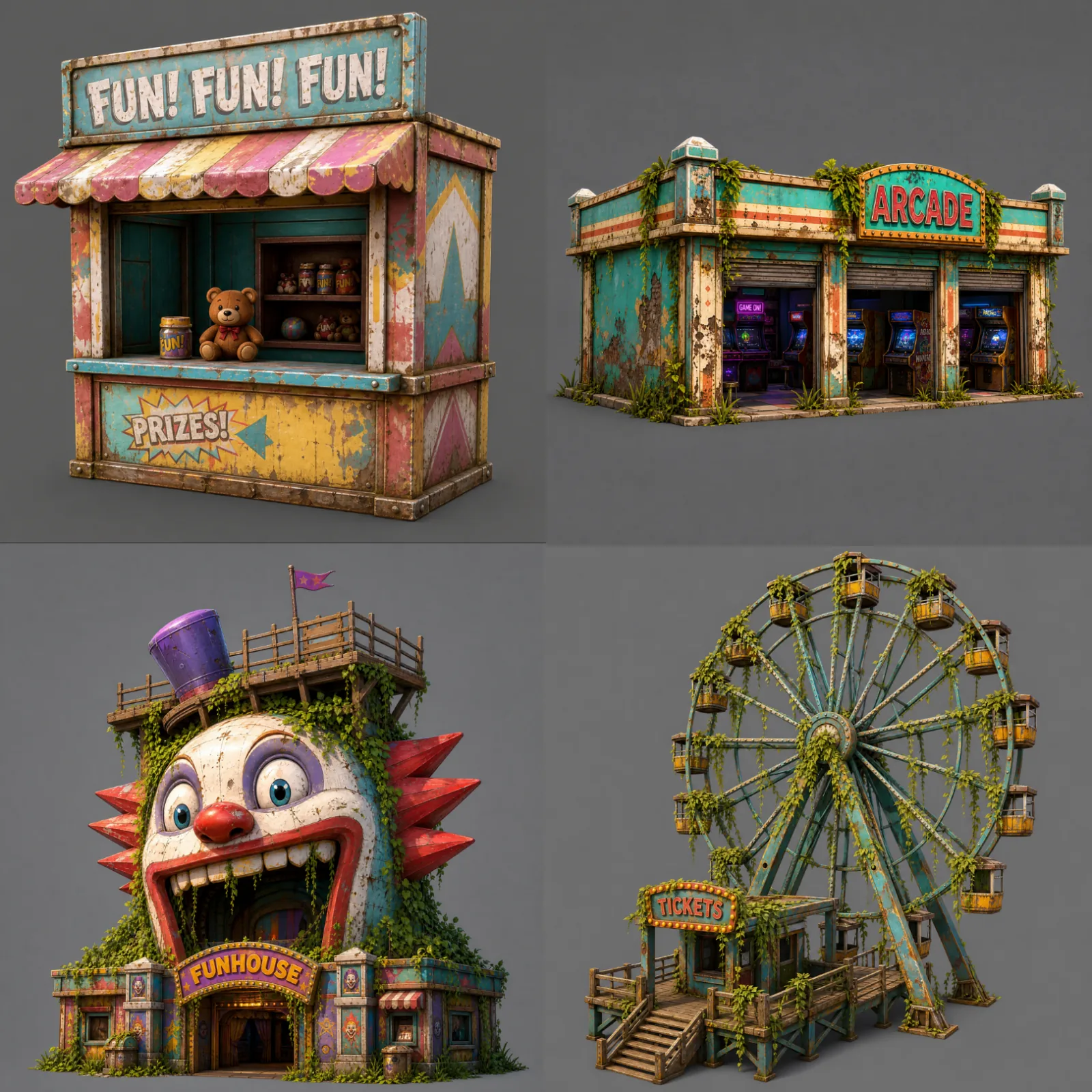
Structure isolation
The master concept is broken down into individual landmarks and isolated onto clean backgrounds, ready for reconstruction.
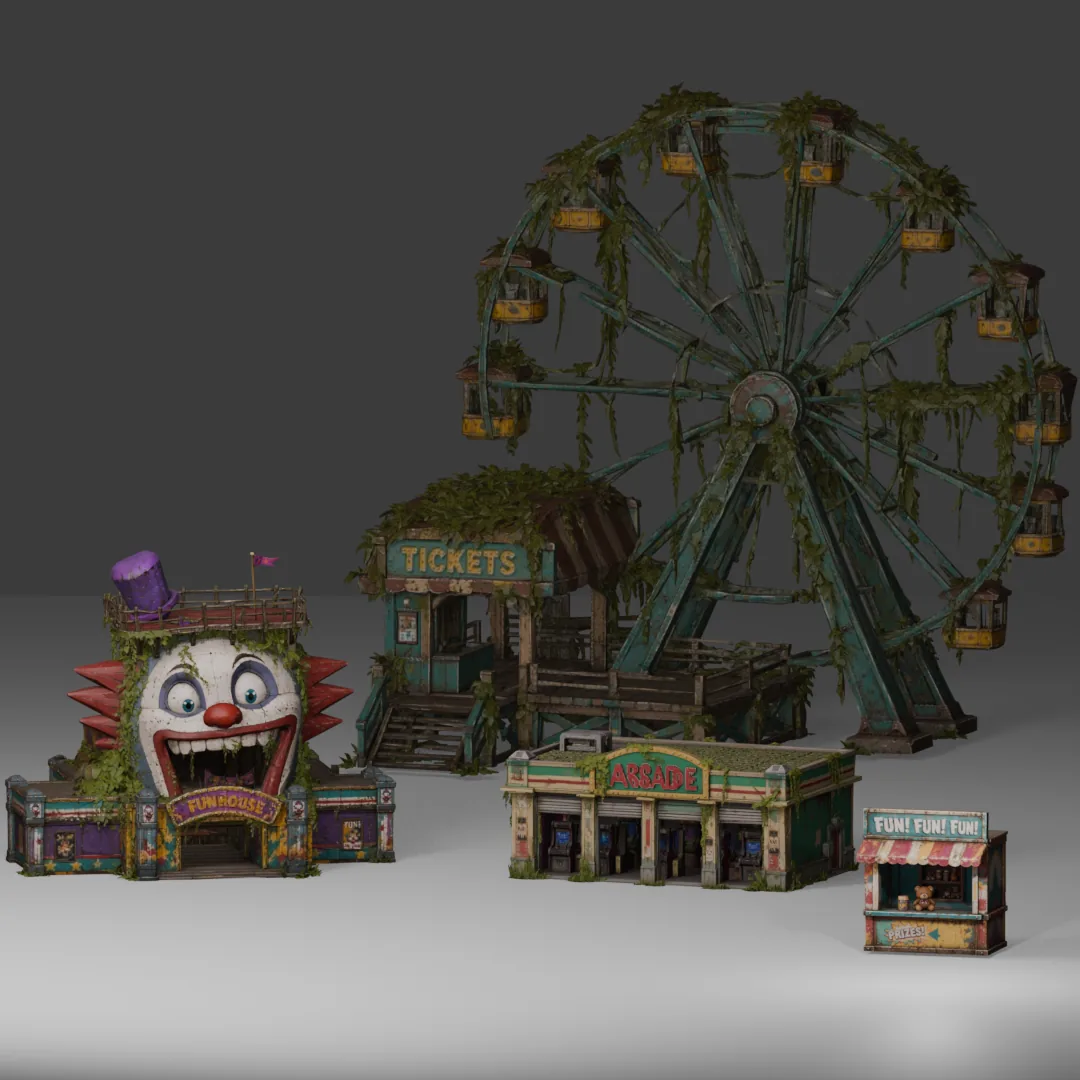
3D reconstruction
Each isolated structure reconstructs into a textured mesh with PBR materials — assembled, the set reads as one coherent kit, not five unrelated props.
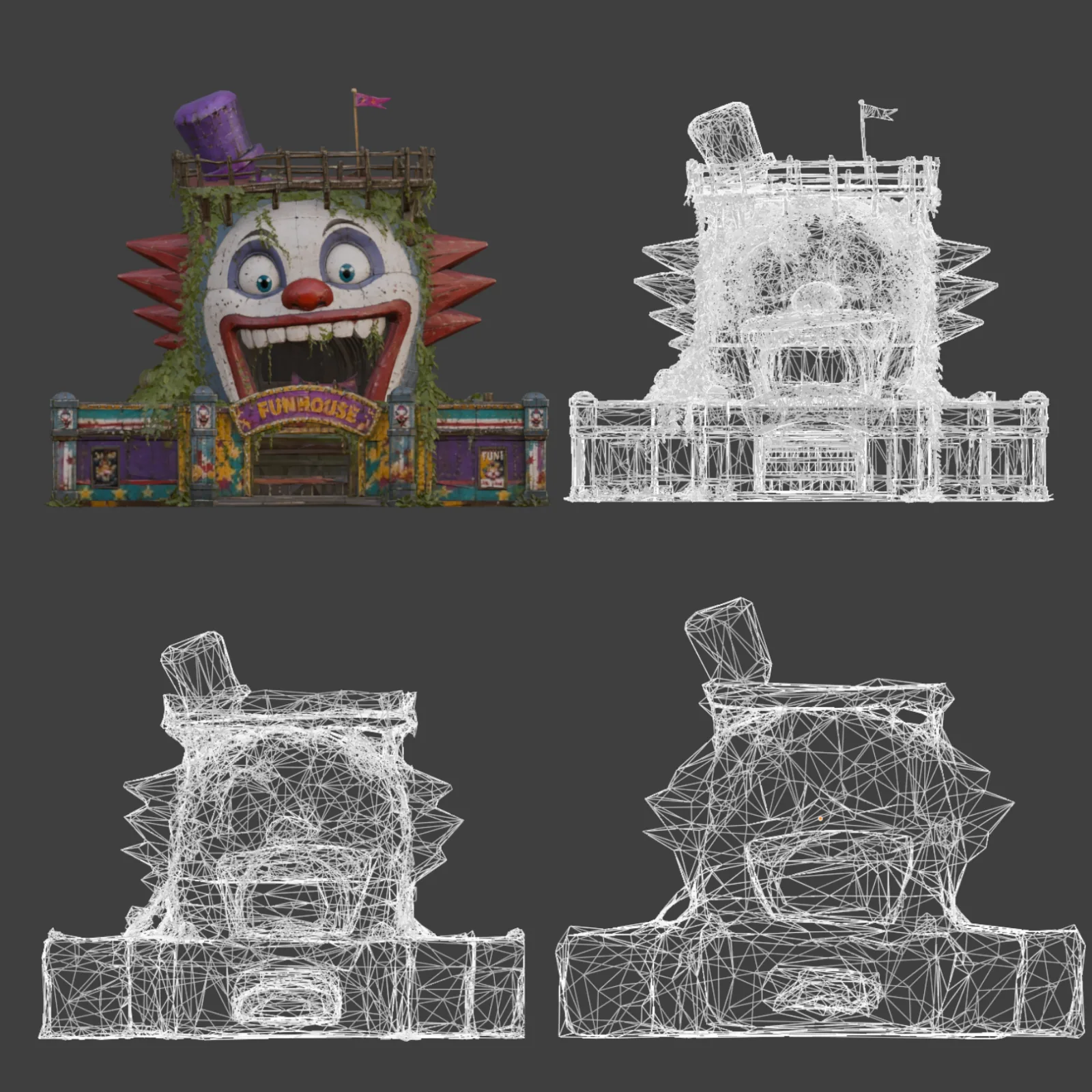
LOD & grid prep
Each mesh gets multiple LOD tiers, its scale normalized to standard grid units, and its origin set to bottom-center for ground placement — exported as FBX.
Where the time goes
| Stage | Manual | Atlas |
|---|---|---|
| Concept & structure prompts | 1–2 days | a few seconds |
| 2D concept & isolation renders | 4–6 days | 15–30 seconds |
| 3D reconstruction & LOD remeshing | 2–4 weeks | 1–3 minutes |
| Total, theme to export-ready kit | 3–6 weeks | 2–5 minutes |
Common questions
What does this workflow output?
How long does it take?
Can I control the art style?
Which engines are supported?
The stages in depth
Related workflows
Try this workflow in Atlas
Free to start. No credit card required.
Try it on Atlas