Retexture a 3D model with AI
Atlas takes an existing 3D mesh, a style reference, and a short brief, and repaints it — new PBR materials, same geometry, exported as GLB.
Three stages, mesh to new material
01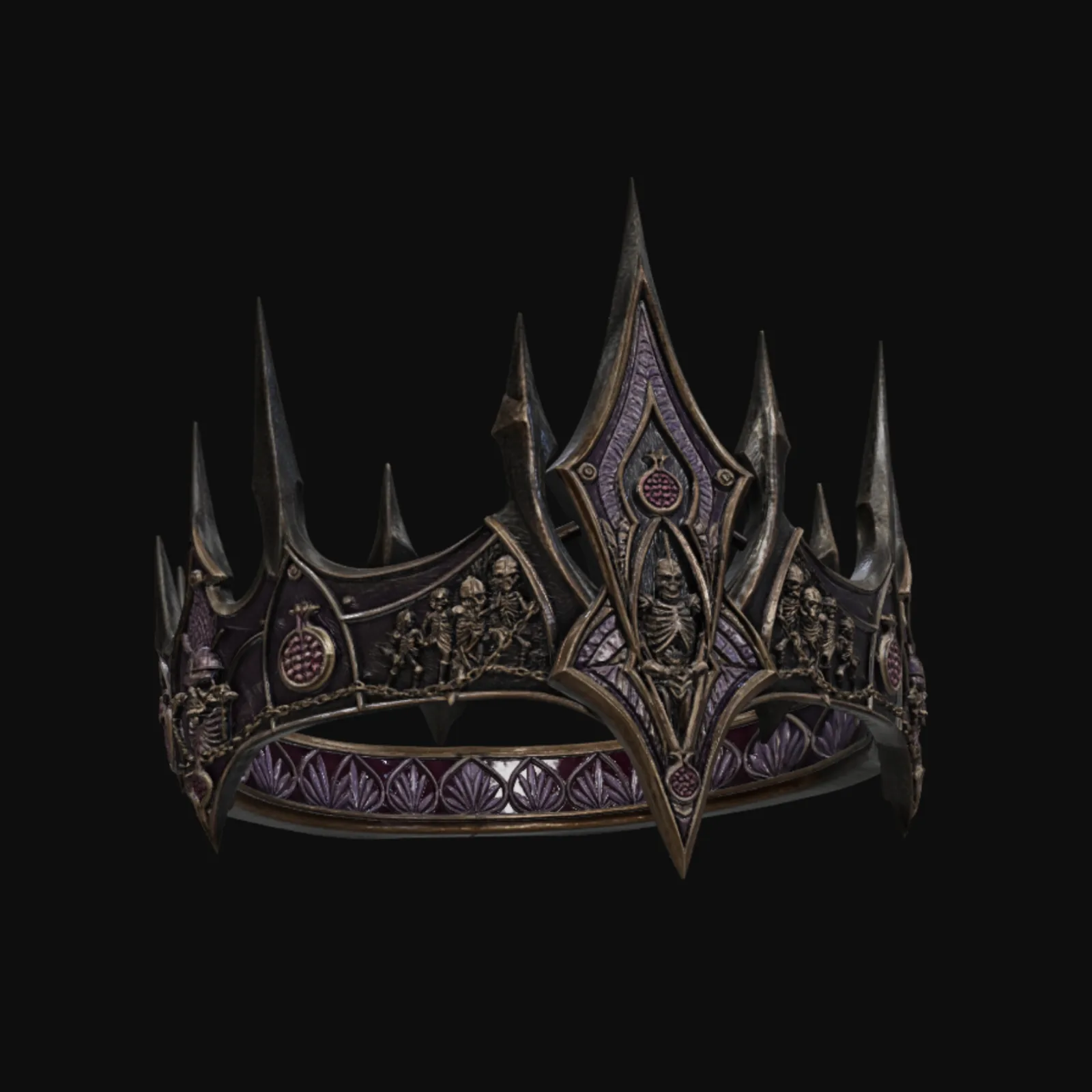
Analyze
Atlas reads your style reference for material, palette and wear, and expands your brief into a precise material direction.
02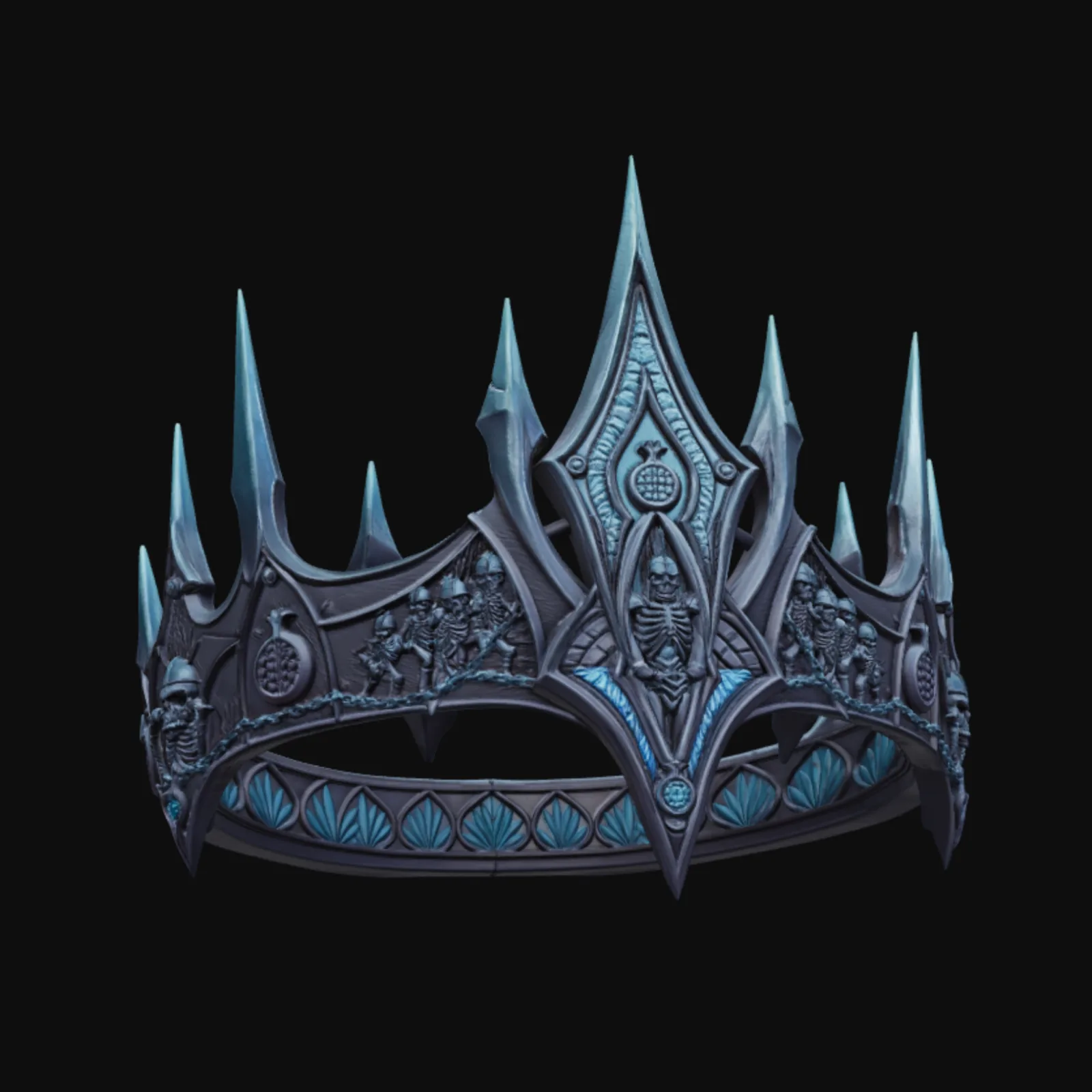
Paint
The texturing engine applies the new look directly onto your existing mesh.
03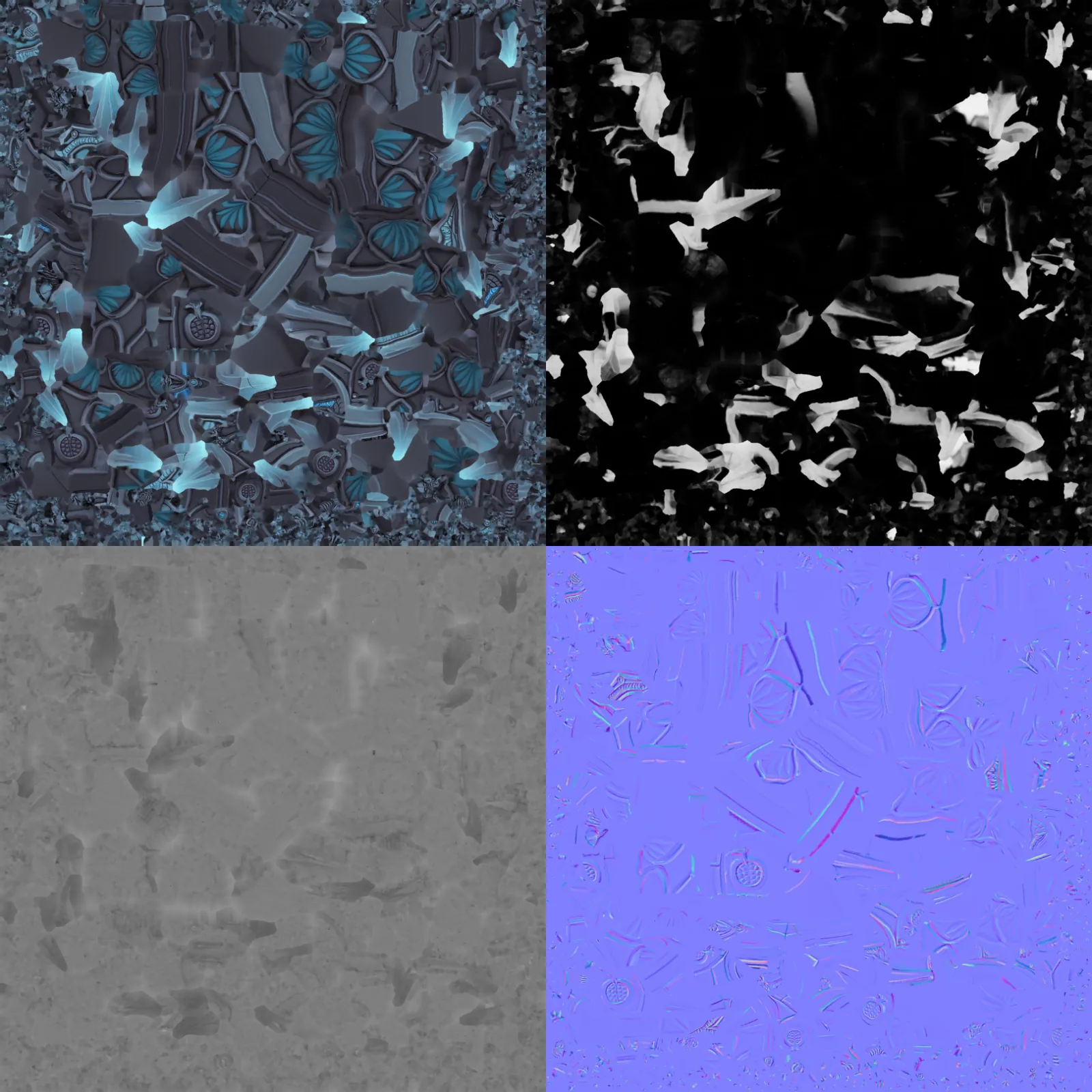
Extract
The finished materials come back out as individual, game-ready PBR maps.
Where the time goes
| Stage | Manual | Atlas |
|---|---|---|
| Reference read & material brief | 30–60 minutes | 5–10 seconds |
| Texturing the mesh | 2–8 hours | 1–2 minutes |
| Map extraction & export | 15–30 minutes | 2–5 seconds |
| Total time, mesh to new material | 3–9 hours | 1.5–3 minutes |
Common questions
What does this workflow output?
A retextured 3D model (GLB) with embedded PBR materials, plus the individual base color, normal, roughness, metallic and AO maps.
How long does it take?
Roughly 1.5 to 3 minutes: 5–10 seconds to read the brief and style reference, 1–2 minutes for the texturing pass itself, and 2–5 seconds to extract the individual PBR maps.
Can I control the art style?
Yes, three ways — text only, an image reference, or both together (image for palette and mood, text for specific details like glowing runes or trim).
Which engines are supported?
GLB drops into Unity, UE5, Godot, Roblox, and WebGL.
The stages in depth
Related workflows
Try this workflow in Atlas
Free to start. No credit card required.
Try it on Atlas