Photo to 3D game asset
Atlas takes a raw photo, corrects color and restores detail, isolates and relights the subject on a neutral background, then reconstructs it into a textured 3D mesh.
Four stages, photo to mesh
01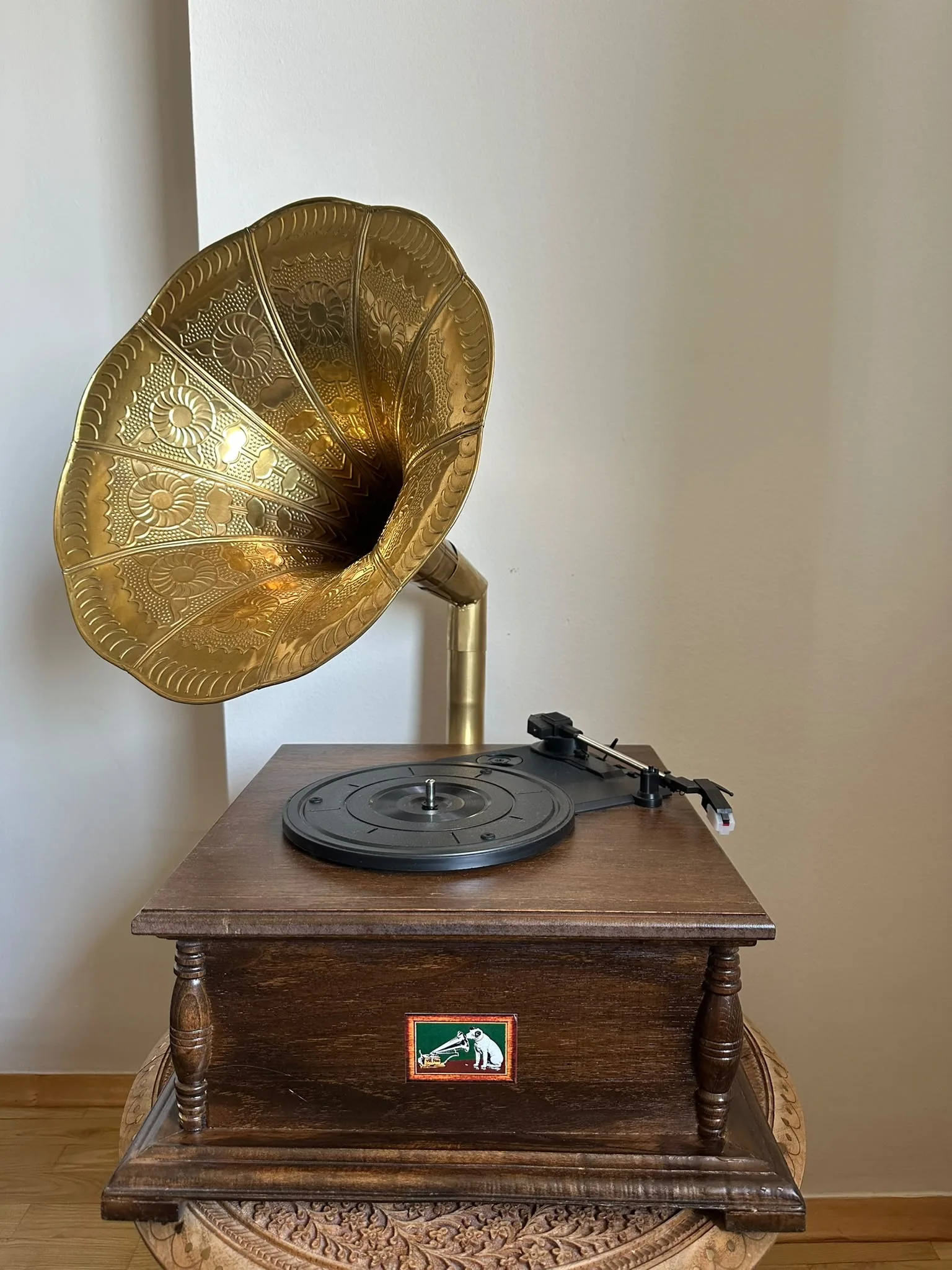
Color correction
An automatic white-balance pass strips out color casts from mixed or bad lighting before anything else runs.
02
Restore
Blur, sensor noise and compression artifacts are cleaned up and fine detail is reconstructed.
03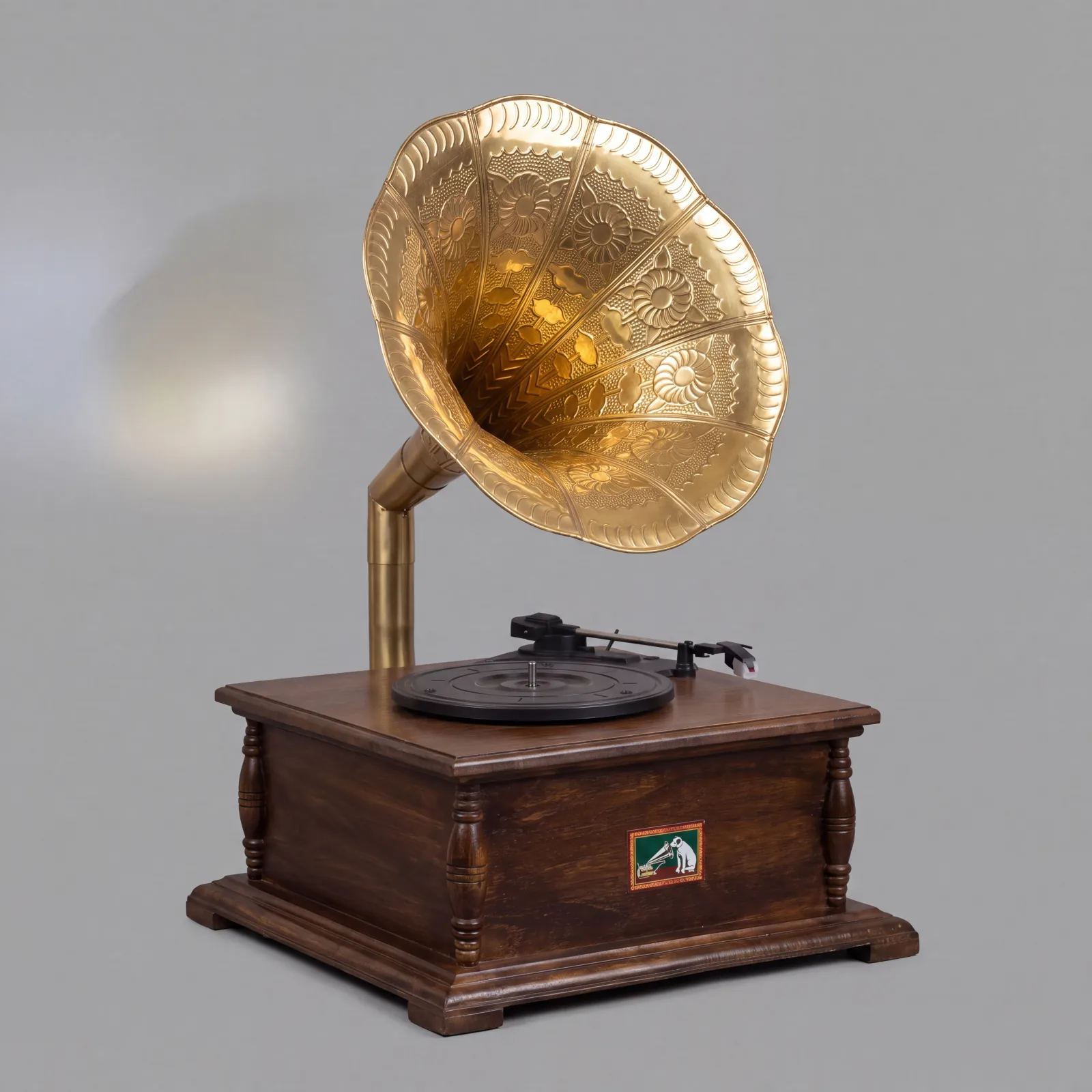
Isolate & relight
The subject is separated from its background and clutter, harsh shadows and highlights are removed, and it’s re-rendered under flat, even studio light.
04
3D reconstruction
The clean, isolated image is reconstructed into a full 3D mesh with textures and PBR materials.
Where the time goes
| Stage | Manual | Atlas |
|---|---|---|
| Color correction & restoration | 1–2 hours | 10–20 seconds |
| Isolation & relighting | 1–2 hours | 10–20 seconds |
| 3D reconstruction & PBR maps | 6–12 hours | 25–45 seconds |
| Total time, photo to mesh | 1–2 days | 45–90 seconds |
Common questions
What does this workflow output?
A textured 3D mesh (GLB) with PBR maps, plus the restored and isolated 2D images along the way.
How long does it take?
About 45 to 90 seconds end to end: the white-balance pass is instant, restoration takes 10–20 seconds, isolation and relighting another 10–20 seconds, and 3D mesh generation 25–45 seconds.
Can I control the art style?
Yes — style direction goes into the isolation step as a text prompt (stylized, low-poly, hand-painted, and more), and carries through to the 3D reconstruction.
Which engines are supported?
GLB drops into Unity, UE5, Godot, Roblox, and WebGL.
The stages in depth
Related workflows
Try this workflow in Atlas
Free to start. No credit card required.
Try it on Atlas