Text prompt to in-game 3D asset in 5 minutes
Atlas takes a text prompt and delivers a moderated, performance-optimized 3D asset ready to drop into your game engine in 5–10 minutes.
Five nodes, five to ten minutes
Write your prompt
Describe the asset in plain language — “rusted iron lamppost, Victorian style” or “low-poly desert palm”.
Moderation & prompt engineering
An LLM screens the prompt and expands it into an optimized 3D generation prompt: centered framing, neutral lighting, clean silhouette, no background clutter.
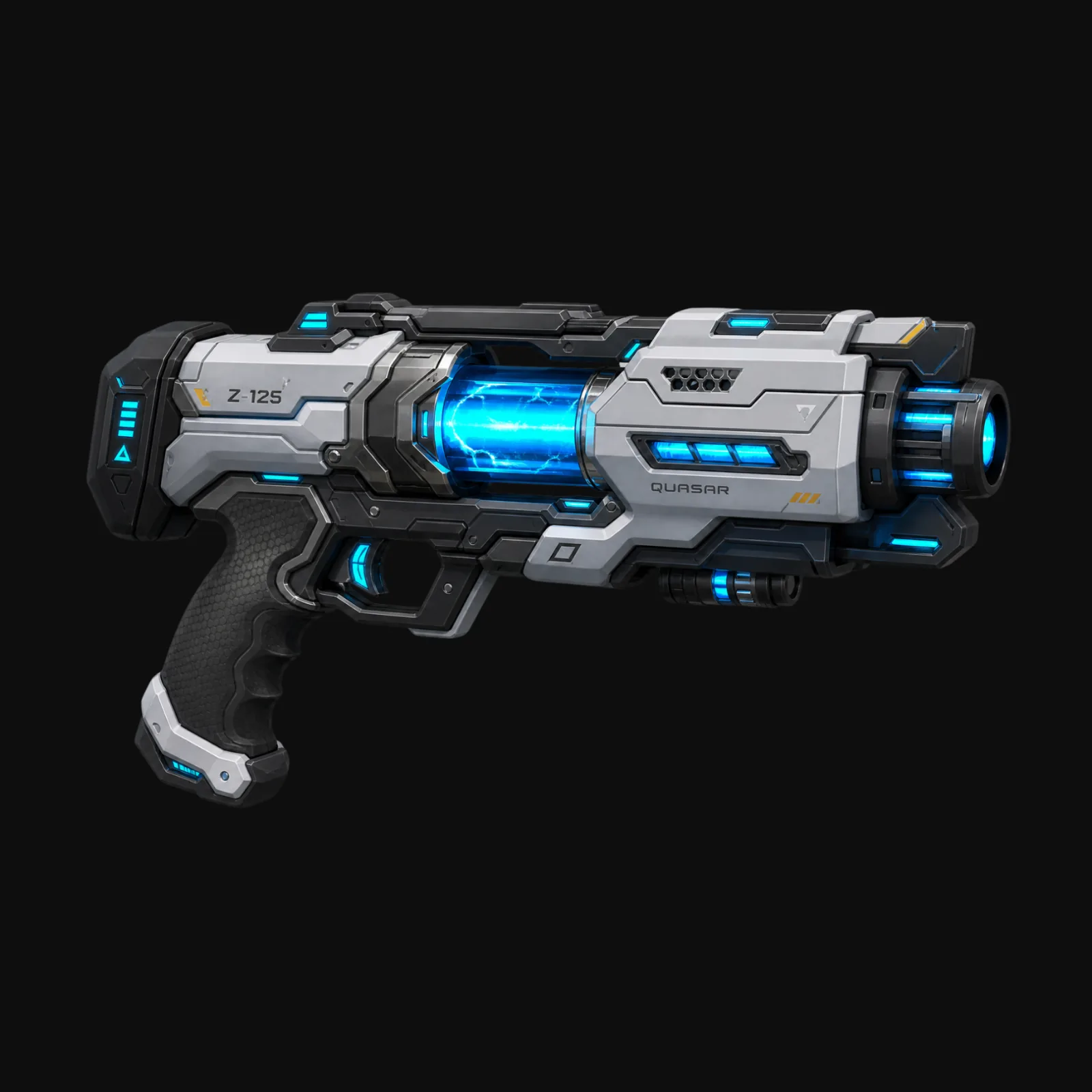
Concept & isolation
A high-detail 2K concept render is generated, then its background is stripped so no stray artifacts bleed into the mesh.
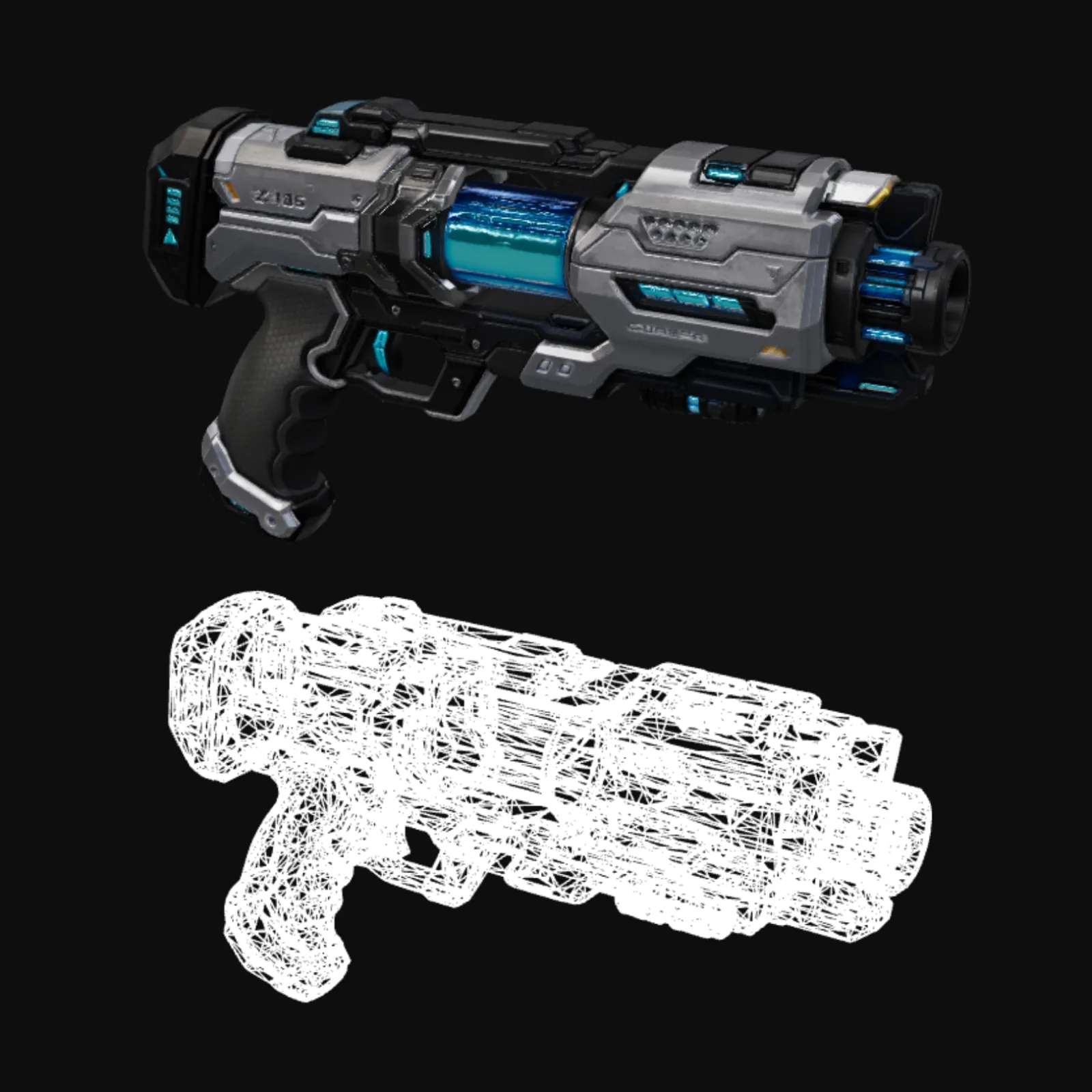
3D reconstruction
The concept becomes a full 3D mesh, with UV coordinates unwrapped and PBR texture maps generated automatically.
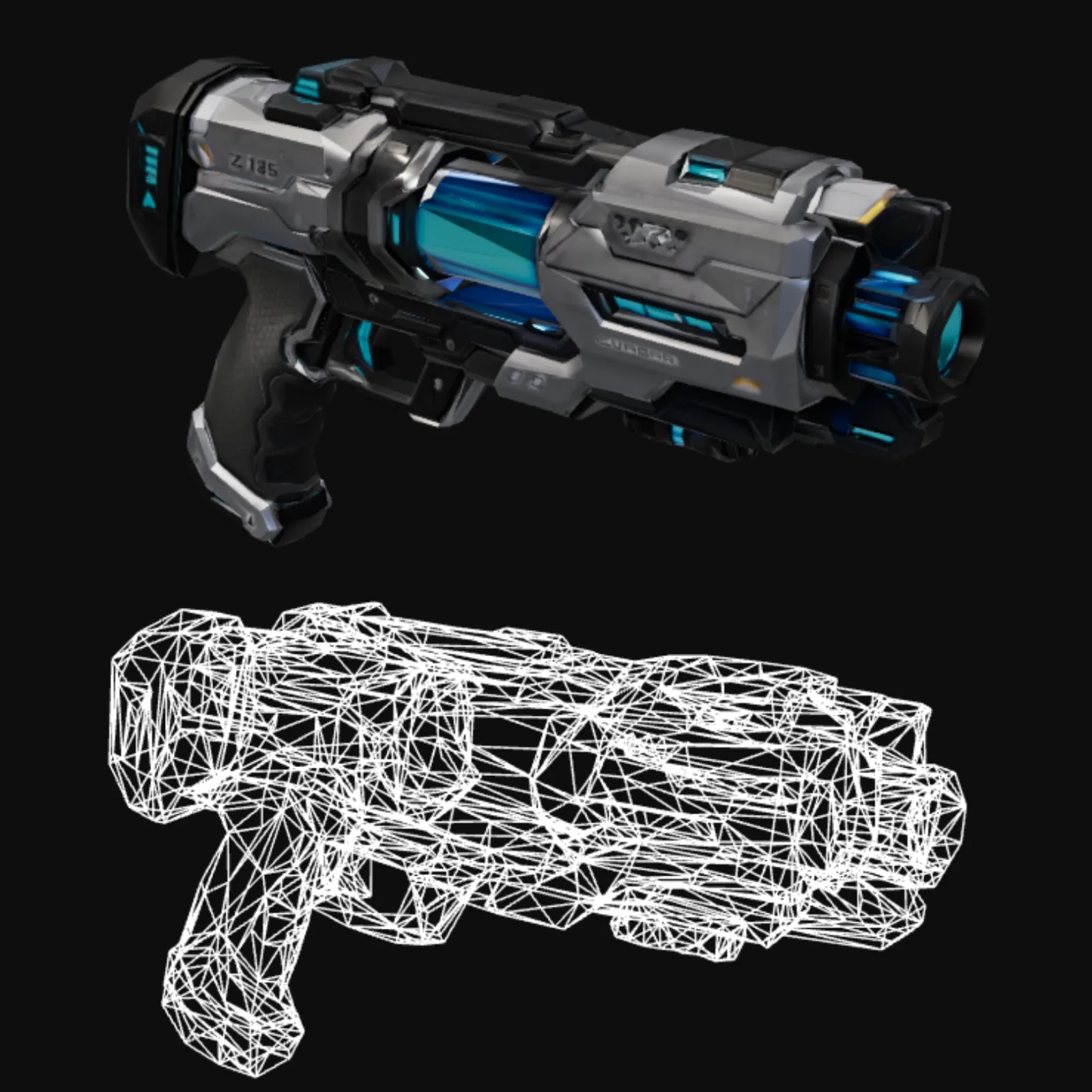
Mesh optimization
The raw mesh is retopologized and decimated to a real-time polycount. You set the budget — mobile, console, or PC — Atlas hits it.
Where the time goes
| Stage | Manual | Atlas |
|---|---|---|
| Modeling | 1–3 days | 60 seconds |
| UV + textures | 4–8 hours | 90 seconds |
| Engine optimization | 2–4 hours | 30 seconds |
| Total time to in-game | 2–5 days | 5–10 minutes |
Common questions
What 3D format does Atlas output?
Are these assets production-final?
Can I control the art style?
What performance budget can I target?
How does the 5-minute number break down?
Can players generate assets at runtime?
The stages in depth
Related workflows
Try this workflow in Atlas
Free to start. No credit card. GLB export from minute one.
Try it on Atlas