AI 3D prop generator: bulk sets from one image
Atlas takes one prop reference and generates nine scatter-ready variations — distinct silhouettes on locked materials — reconstructed as low-poly meshes ready for PCG scattering.
Five stages, one prop to a scatter-ready set
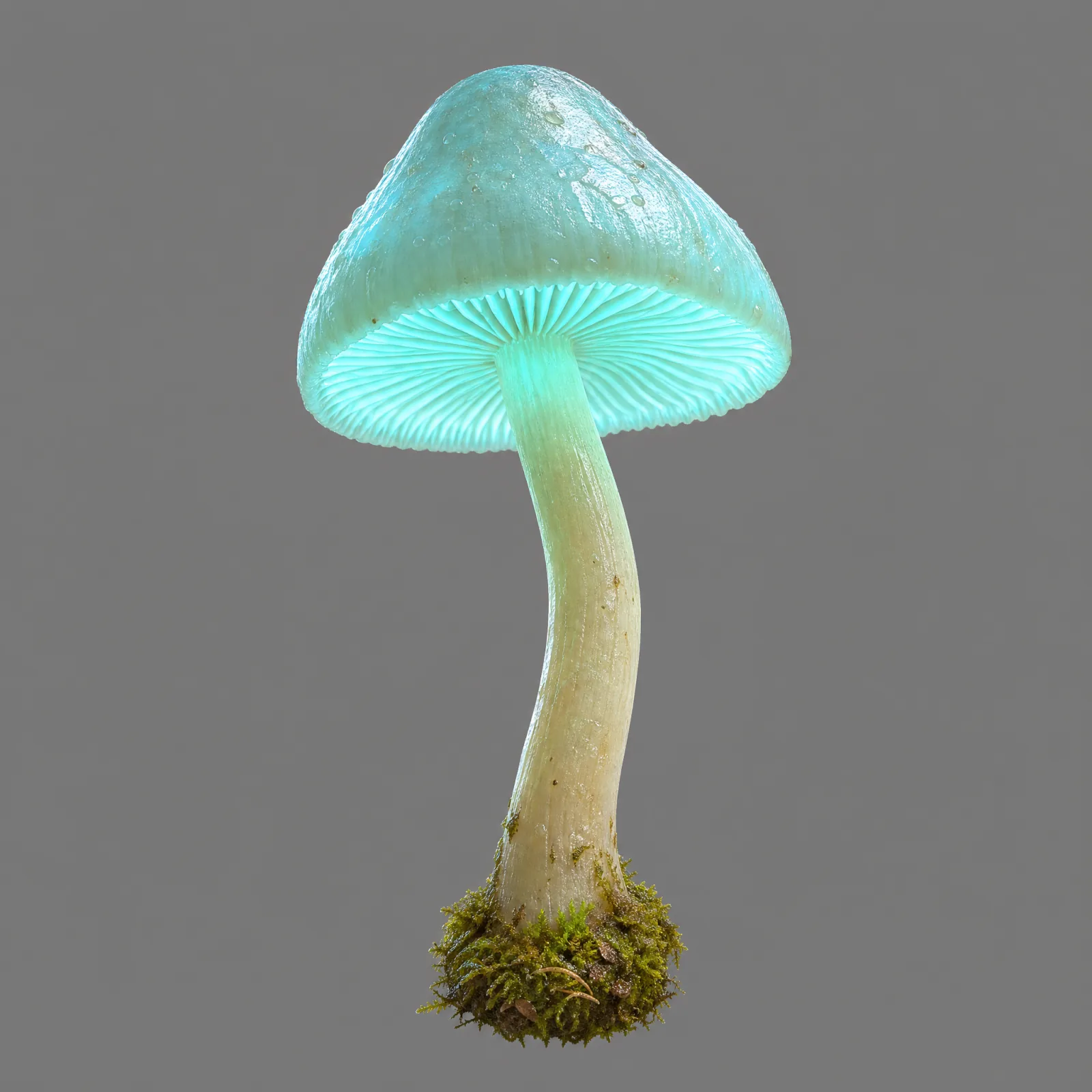
Technical deconstruction
A vision model reads your reference prop for materials, luminescence, proportions and texture detail.
Procedural variation
An LLM designs 9 distinct morphological variations — altering silhouette, stem bends, cap size and sub-elements — while locking art style and materials to the source.
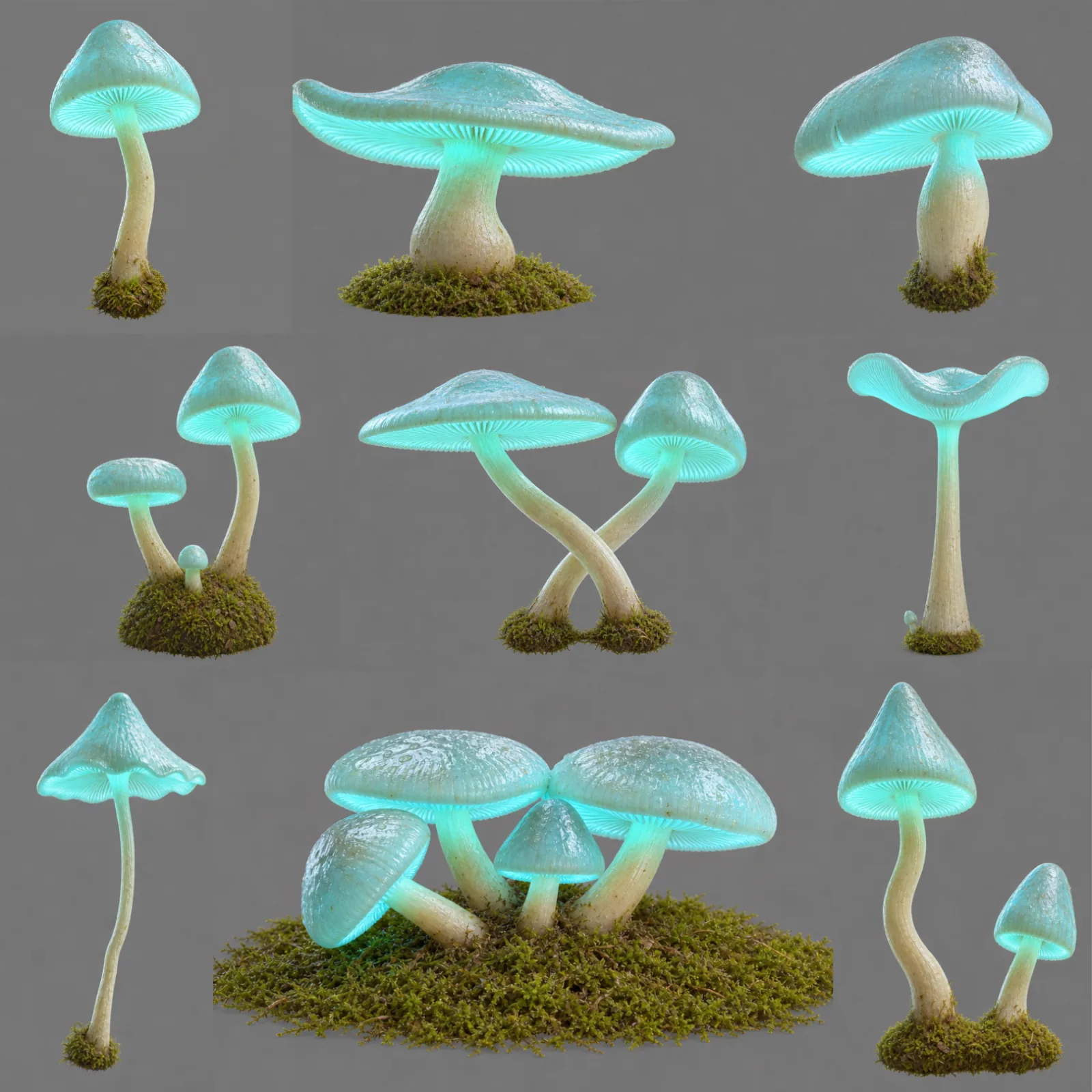
Parallel synthesis
Nine multimodal nodes generate nine isolated concept images on solid neutral backgrounds at once.
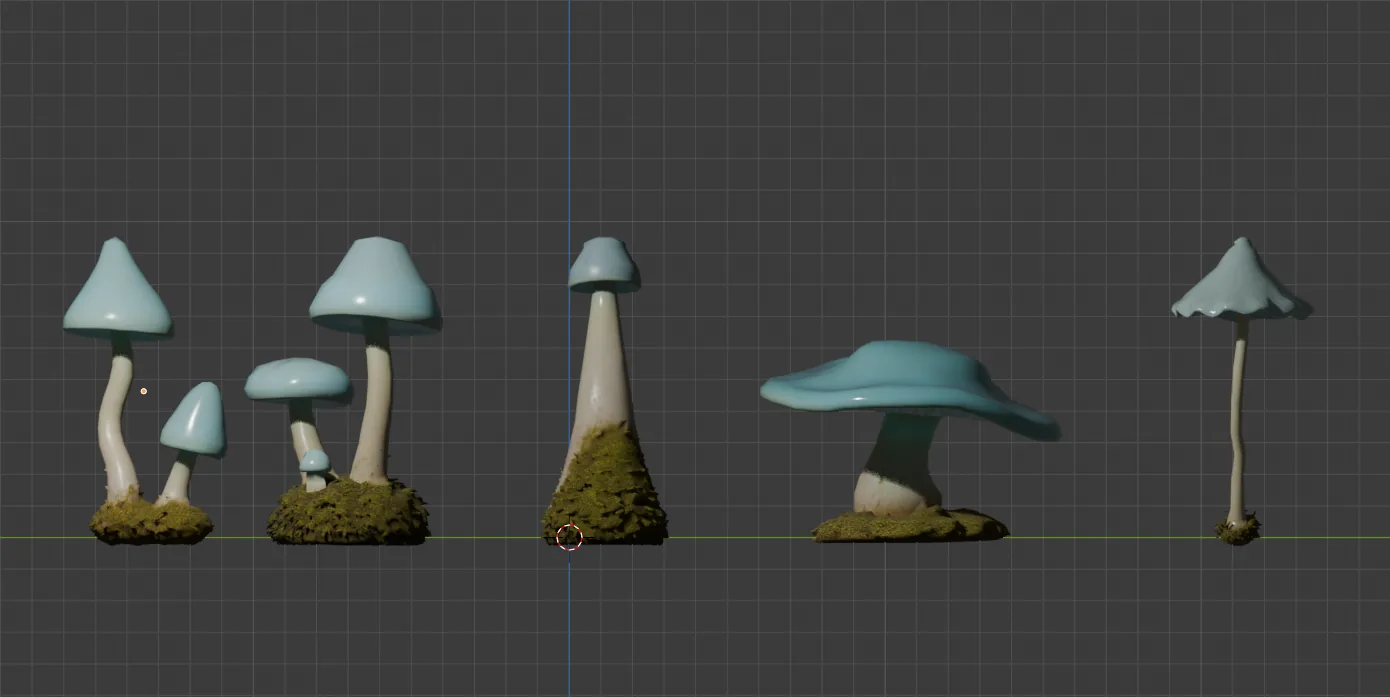
3D reconstruction
Each image flows into an Image-to-3D node set to a low-poly backend with PBR textures, optimized for scattering rather than hero detail.
Optimization
Optional remesh nodes provide further decimation and topology cleanup for engine export.
Where the time goes
| Stage | Manual | Atlas |
|---|---|---|
| Vision & prompt extraction | 1–2 hours | 10–15 seconds |
| 2D generation (9 in parallel) | 2–4 days | 20–35 seconds |
| 3D generation (low-poly) | 4–5 days | 30–45 seconds |
| Total, image to 9 textured meshes | 1–2 weeks | 1.5–2.5 minutes |
Common questions
What does this workflow output?
How long does it take?
Can I control the art style?
Which engines are supported?
The stages in depth
Related workflows
Try this workflow in Atlas
Free to start. No credit card required.
Try it on Atlas