Sketch to 3D model with AI
Atlas reads a concept sketch, keeps the pose and the handwritten design notes, and turns it into a textured, engine-ready 3D asset — GLB, UVs and PBR materials included.
Four stages, sketch to mesh
01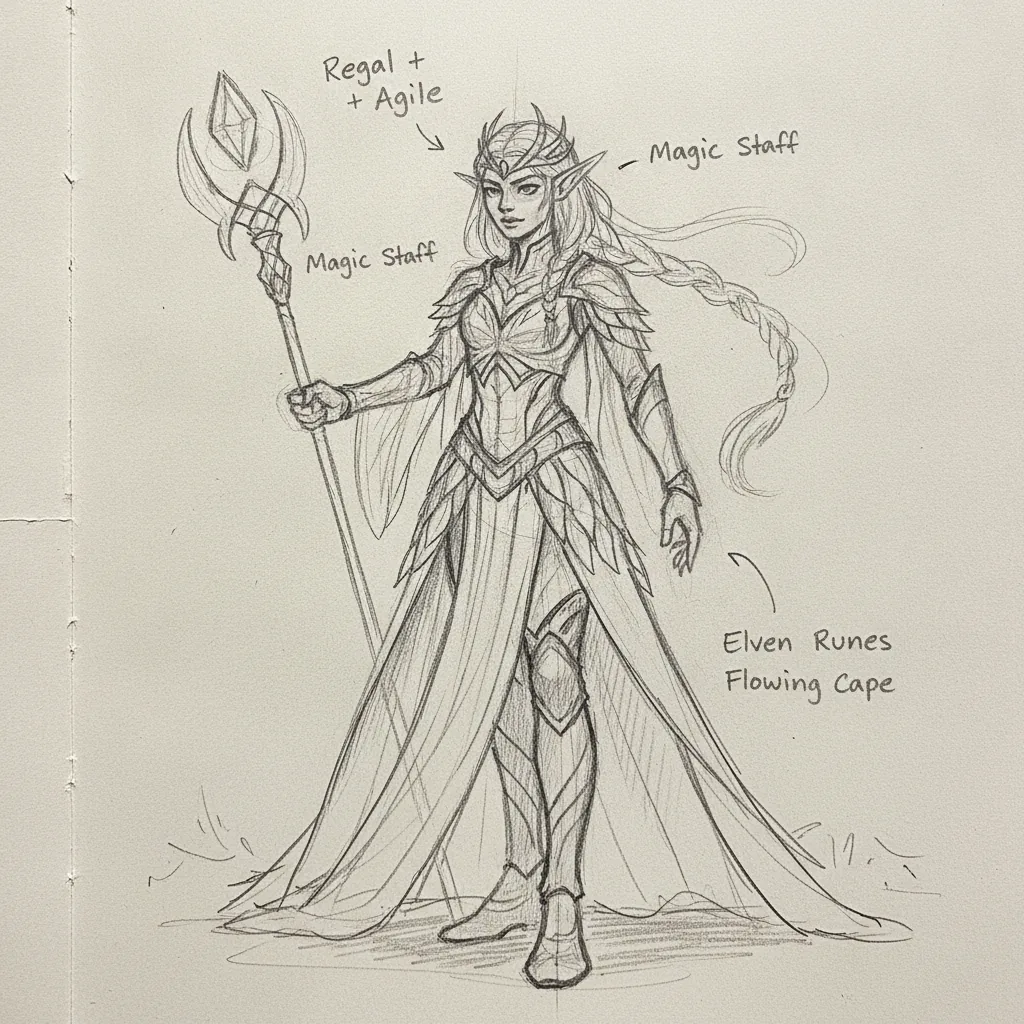
Read the sketch
A vision model reads the upload and separates what matters — the pose, the materials, the handwritten notes — from what doesn’t: arrows, labels, paper texture.
02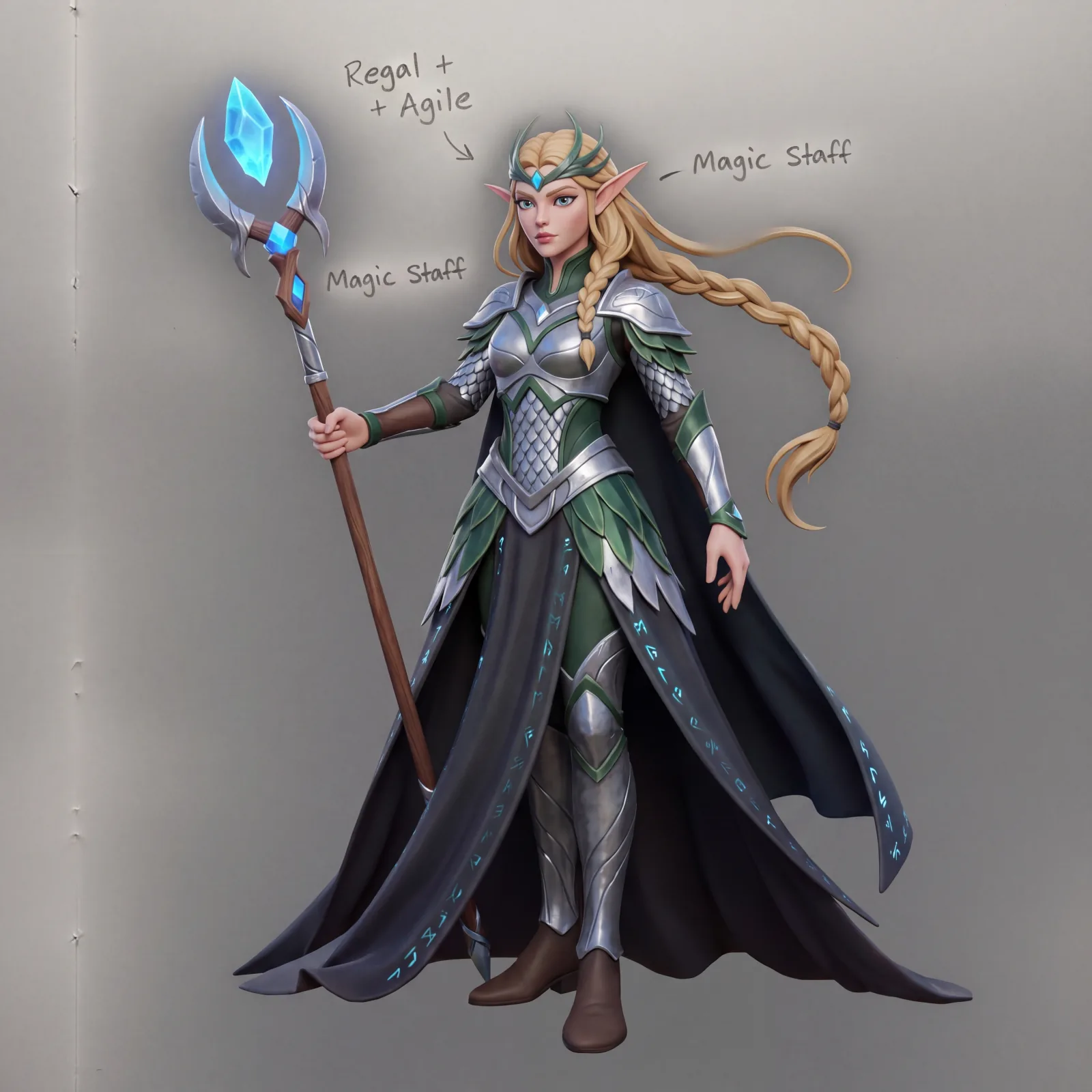
Concept render
The sketch and its design notes become a fully rendered, shaded color concept, at the art direction you set.
03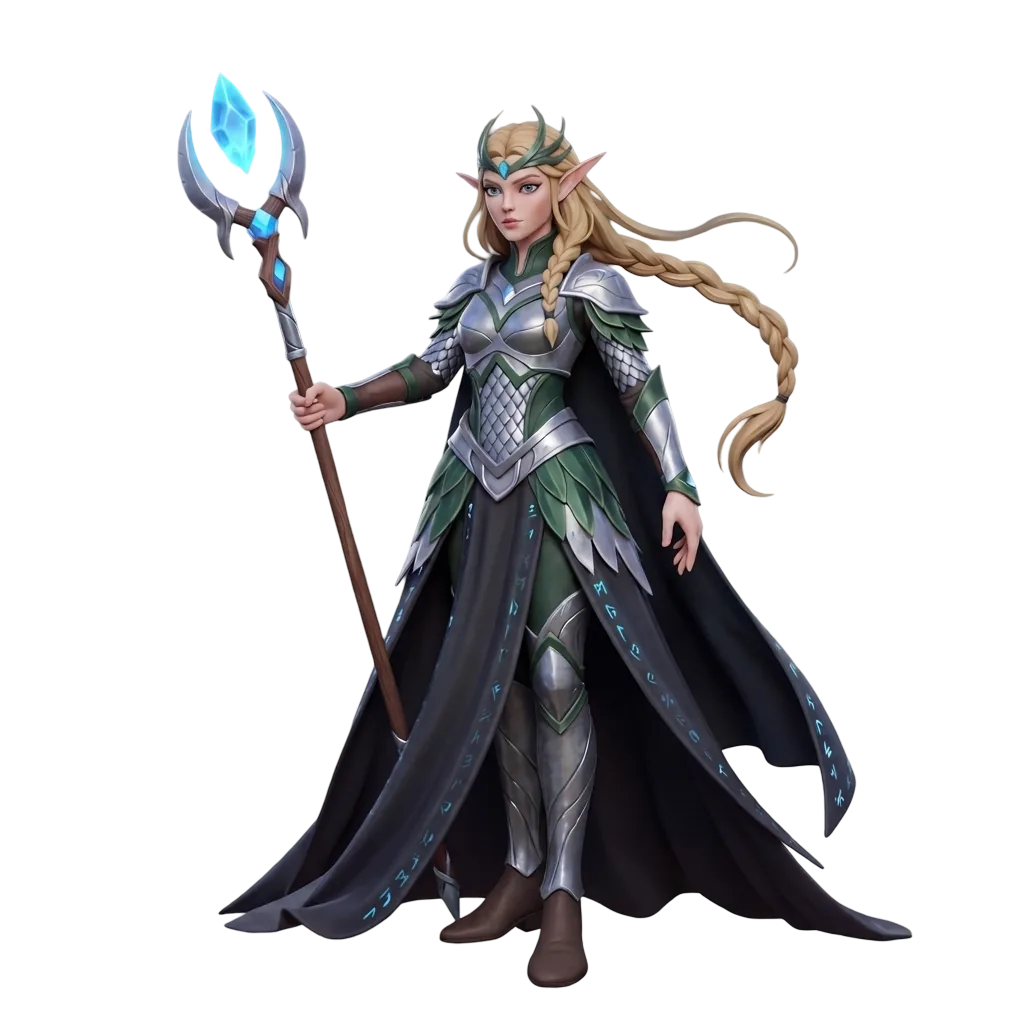
Clean isolate
A cleanup pass removes any leftover text or artifacts, then cuts the character out on a clean transparent background.
04
3D reconstruction
The isolated concept becomes a complete textured mesh — UV unwrapping, normal maps, roughness and metallic materials — exported as GLB.
Where the time goes
| Stage | Manual | Atlas |
|---|---|---|
| Reading the sketch & its notes | 30–60 minutes | 3–6 seconds |
| Concept render | 4–8 hours | 10–18 seconds |
| Cleanup & cutout | 30–60 minutes | 5–10 seconds |
| 3D reconstruction | 6–12 hours | 25–45 seconds |
| Total time, sketch to mesh | 2–3 days | 45–90 seconds |
Common questions
What does this workflow output?
A textured, game-ready 3D model (GLB) with PBR materials and UV unwrapping.
How long does it take?
45 to 90 seconds end to end: 3–6 seconds to read the sketch and its handwritten notes, 10–18 seconds for the concept render, 5–10 seconds for cleanup and cutout, and 25–45 seconds for 3D reconstruction.
Can I control the art style?
Yes. A style prompt — for example “stylized hand-painted fantasy asset” or “hyper-realistic sci-fi character” — blends with the sketch’s proportions and handwritten design notes.
Which engines are supported?
GLB drops into Unity, UE5, Godot, Roblox, and WebGL.
The stages in depth
Related workflows
Try this workflow in Atlas
Free to start. No credit card required.
Try it on Atlas